Best Business Card Scanner App for Sales Teams in 2026
· 9 min read
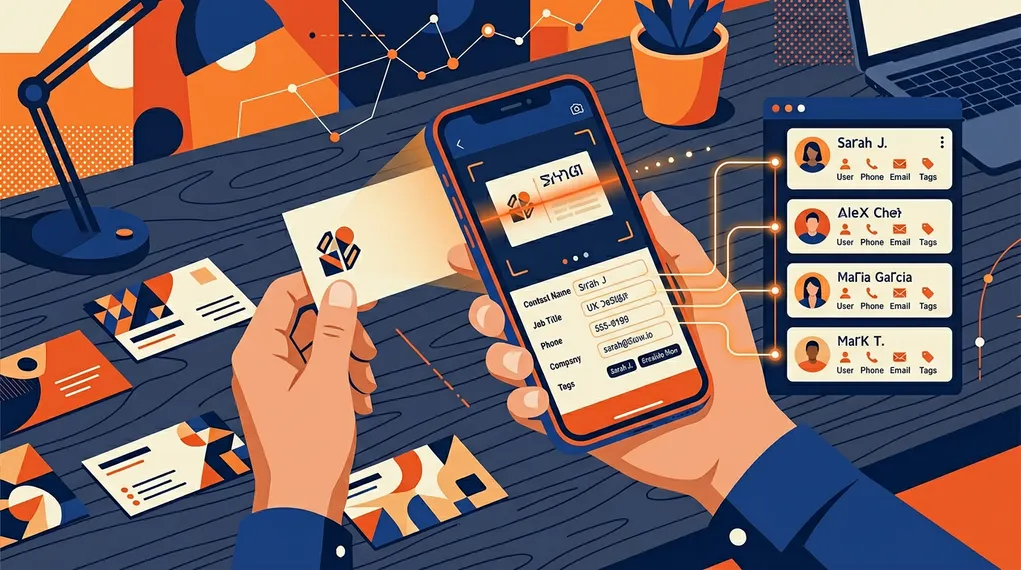
Business card scanners have existed since the iPhone 3G. Point your camera at a card, OCR reads the text, and you get a digital contact. The technology is mature. The apps are abundant. A search for “business card scanner” returns hundreds of results.
So why do sales teams still lose leads?
Because scanning is the easy part. What happens after the scan is where the pipeline breaks. The card gets scanned. The contact sits in an address book. Nobody writes a follow-up. Nobody enriches the data. Nobody syncs it to the CRM. The card was captured; the lead was not.
For sales teams — not individuals managing a personal Rolodex — a business card scanner needs to be the first step in a pipeline, not the last. This article compares the best card scanner apps in 2026 through the lens of what sales teams actually need: accuracy, enrichment, follow-up, CRM sync, and team collaboration.
What Sales Teams Need (That Individual Users Don’t)
Consumer card scanner apps solve a personal productivity problem: “I have a card, I want a digital contact.” Sales teams have a different problem: “I have 50 cards from a trade show, and every one needs to become a qualified lead in our CRM by tomorrow morning.”
The requirements are fundamentally different.
OCR Accuracy Under Real Conditions
Trade show cards come in every format: vertical layouts, dark backgrounds, non-Latin characters, creative typography, textured paper. A scanner that works perfectly on a white card with black Helvetica text may fail on 30% of real-world cards. For sales teams, OCR accuracy isn’t a nice feature — it’s the foundation. Every misread field creates manual work.
95%+
OCR accuracy is required for production use — below that, manual correction becomes the bottleneck
AIIM — Association for Intelligent Information Management
Contact Enrichment
A business card typically has a name, company, title, and email. Sometimes a phone number. Rarely a LinkedIn profile. Sales teams need enriched data: verified email addresses, direct phone numbers, LinkedIn URLs, company size, industry. A scanner that stops at OCR leaves the rep to research every contact manually. For a detailed look at how email enrichment works at events, see our dedicated guide.
CRM Integration
Contacts that live in a scanner app’s proprietary database are invisible to the sales pipeline. The data needs to reach HubSpot, Salesforce, or whatever CRM the team uses — automatically, with deduplication, Company association, and proper field mapping. A CSV export that someone imports manually three days later is not a CRM integration.
Follow-Up Automation
The scan happens in the first 30 seconds. The follow-up determines whether the lead converts. For a sales team processing dozens of contacts per event, AI-generated follow-up emails based on actual conversation context are the difference between an 80% lead death rate and a functioning pipeline.
Team Workspace
Individual card scanner apps create contacts in the user’s personal account. Sales teams need shared visibility: who captured which lead, who’s responsible for follow-up, what’s the status. Without a team workspace, leads are siloed in individual phones with no oversight.
The Contenders
CamCard
CamCard is one of the original business card scanner apps. It has a large user base, supports multiple languages, and has been refining its OCR for over a decade.
Strengths: Mature OCR engine with good accuracy across card formats. Batch scanning mode. Contact storage with search and tags. Available on iOS and Android.
Limitations: No CRM sync beyond basic vCard/CSV export. No team workspace. No conversation capture or follow-up features. No contact enrichment. The product is built for personal contact management, not sales team workflows.
ABBYY Business Card Reader
ABBYY, known for its enterprise OCR technology, offers a dedicated business card scanner app. It leverages the same OCR engine used in their enterprise document processing products.
Strengths: Among the highest OCR accuracy in the market, especially for complex card layouts and non-Latin scripts. Cloud-based processing improves results over time. Multi-language support is extensive.
Limitations: Contact export is limited to vCard, CSV, or individual CRM record creation. No native HubSpot or Salesforce integration for automatic sync. No team features, no follow-up automation, no conversation capture. It’s a precision scanner — not a sales tool.
Covve
Covve positions itself as a “relationship management” app with a built-in card scanner. It goes beyond scanning to track interactions, set reminders, and manage your professional network.
Strengths: Card scanning with relationship management features. Interaction tracking, reminders, and contact notes. Clean interface with attention to user experience.
Limitations: Focused on individual relationship management, not team sales workflows. Limited CRM integrations. No AI follow-up, no conversation transcription, no contact enrichment. Better suited for consultants and individual professionals than sales teams.
Blinq
Blinq is primarily a digital business card platform — you share your own contact info via NFC, QR, or link. It also includes a card scanner for capturing other people’s cards.
Strengths: Clean UX for exchanging contact information. NFC and QR sharing. Basic CRM integrations. The scanning feature captures the card and creates a contact.
Limitations: Scanning is a secondary feature. No advanced OCR processing, no enrichment, no follow-up automation. Team features exist but are oriented around digital card sharing, not lead qualification. See our broader comparison of lead capture apps for more context on Blinq.
NeverDrop
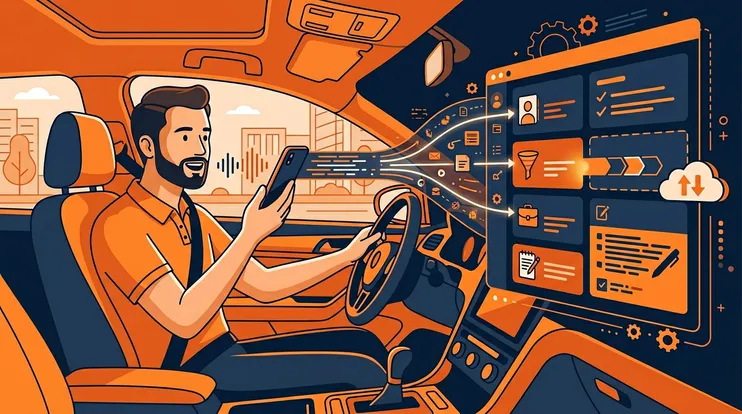
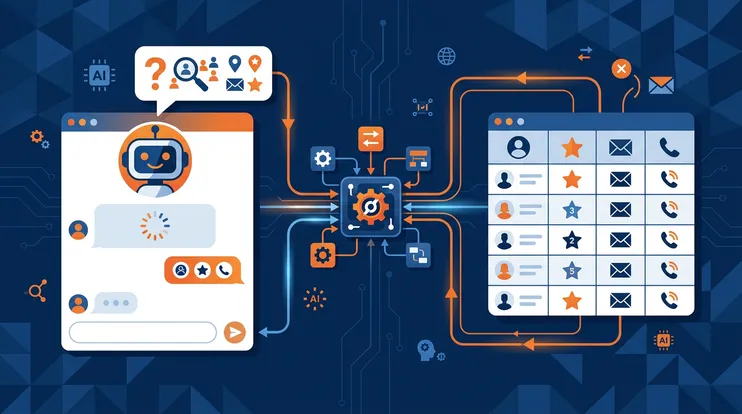
NeverDrop is a field sales intelligence platform where business card scanning is the first step in a six-stage pipeline: scan → enrich → transcribe → draft → send → CRM sync.
Strengths: AI-powered OCR for badges and cards. Automatic email and phone enrichment. Live conversation transcription with speaker identification. AI-generated follow-up emails from conversation context. Native HubSpot sync (Contacts, Companies, Deals, Owners). Team workspace with lead assignment. Full offline mode. EU-hosted data. Pay-per-use pricing.
Limitations: Not designed for personal contact management or address book use cases. The product assumes a sales workflow — if you just want to digitize cards for personal reference, it’s more than you need.
Head-to-Head Comparison
| Capability | CamCard | ABBYY | Covve | Blinq | NeverDrop |
|---|---|---|---|---|---|
| OCR accuracy | Good | Excellent | Good | Basic | Excellent (AI-powered) |
| Batch card scanning | ✓ | ✓ | ✗ | ✗ | ✓ |
| Contact enrichment (email/phone) | ✗ | ✗ | ✗ | ✗ | ✓ |
| Badge scanning (event QR/barcode) | ✗ | ✗ | ✗ | ✗ | ✓ |
| Conversation transcription | ✗ | ✗ | ✗ | ✗ | ✓ |
| AI-generated follow-up emails | ✗ | ✗ | ✗ | ✗ | ✓ |
| CRM sync (native HubSpot) | ✗ | ✗ | — | — | ✓ |
| Team workspace | ✗ | ✗ | ✗ | — | ✓ |
| Lead assignment & pipeline | ✗ | ✗ | ✗ | ✗ | ✓ |
| Offline mode | ✓ | ~ (cloud OCR) | ✓ | ✓ | ✓ |
| EU data hosting | ✗ | — | ✗ | ✗ | ✓ |
| Pay-per-use pricing | ~ (freemium) | ~ (freemium) | ~ (subscription) | ~ (freemium) | ✓ |
The comparison highlights a category gap. Traditional card scanner apps stop at digitization. NeverDrop continues through enrichment, conversation capture, follow-up generation, and CRM sync — because that’s what a sales team’s workflow actually requires.
Scanning Is Step One — Not the Destination
The reason 80% of trade show leads never get followed up isn’t that they weren’t scanned. It’s that scanning was the end of the workflow, not the beginning.
Here’s what the full pipeline looks like when scanning is treated as step one:
Scan the card or badge
AI-powered OCR reads the card — name, company, title, email, phone, LinkedIn. Works on any format, any language, any layout.
Enrich missing data
If the card has no email or phone number, NeverDrop enriches the contact automatically — finding verified professional email addresses and direct phone numbers.
Capture the conversation
Live transcription records what was actually discussed — with speaker identification. Voice-dictated notes add specific context and instructions.
AI drafts the follow-up
A personalized follow-up email is generated from the conversation, contact data, and your team's customer profiles. The rep reviews and sends.
Sync to CRM
One tap pushes everything to HubSpot: Contact, Company, Deal, Owner. Conversation transcript and sent email appear on the timeline.
Each step addresses a failure point in the traditional workflow. Enrichment fills gaps the card left. Transcription preserves context that memory loses. AI follow-up eliminates the writing bottleneck. CRM sync removes the data entry.
Who Should Use What
Personal contact management (consultants, freelancers, networking): CamCard or Covve. Both are well-designed for individuals who want a clean digital Rolodex. Covve’s relationship management features are particularly suited for consultants who track long-term relationships.
Maximum OCR accuracy (researchers, archivists, non-Latin scripts): ABBYY. If raw scanning accuracy is the primary concern and you don’t need a sales workflow, ABBYY’s OCR engine is best-in-class.
Digital business card sharing: Blinq. If your main goal is sharing your own contact info via NFC or QR, Blinq is purpose-built for that use case.
Sales teams who need a pipeline, not an address book: NeverDrop. If your team attends events, meets clients in the field, and needs leads to reach your CRM with context and follow-ups — not just a scanned name — NeverDrop is built for that workflow.
For a comparison focused specifically on event and trade show use cases, see our trade show lead capture comparison or our side-by-side comparison page. To understand how NeverDrop compares to rented badge scanners at convention centers, read our detailed breakdown. For the broader capture-to-CRM framework, see our complete guide to event lead capture. And if you need a tool that works without WiFi, read about offline lead capture at trade shows. Visit our pricing page for details on pay-per-use costs.
Frequently Asked Questions
AI-powered OCR scanners like NeverDrop achieve over 95% accuracy on standard Latin-script business cards. Accuracy depends on card quality, lighting, and language — modern AI models handle multi-language cards significantly better than traditional OCR.
Yes. AI-powered OCR extracts all contact fields — name, company, title, phone, email — from a business card photo in seconds. Unlike basic scanner apps, AI scanners also trigger automatic email enrichment and can draft personalized follow-ups from the captured data.
Modern AI OCR models support most major scripts including Chinese, Japanese, Korean, Arabic, and Cyrillic. However, accuracy varies — Latin-script cards typically achieve higher extraction rates than complex multi-script layouts.
Not all of them. NeverDrop captures and stores card scans offline, then processes OCR and syncs when connectivity returns. Many other scanner apps require an internet connection for the OCR step, which is a problem at trade shows with unreliable WiFi.
Scanning a card is step one. NeverDrop handles the other five. Try it free.
Get Started Free