How to Scan Business Cards Efficiently: Stop Typing, Start Closing
· 6 min read
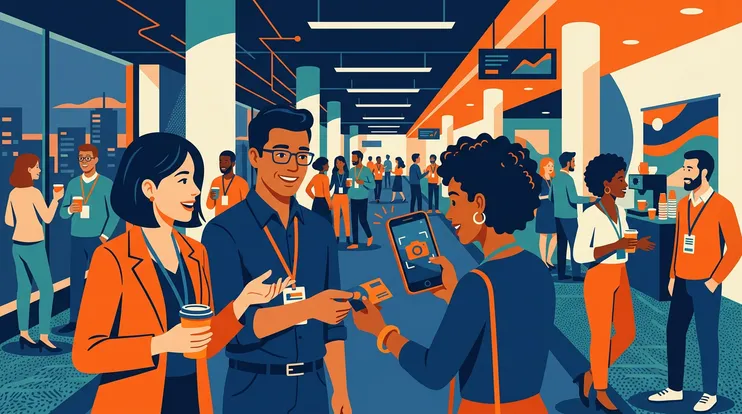
You just had a great conversation at a trade show. You exchange business cards. The prospect walks away, and you slide the card into your badge holder — along with 30 others.
Three days later, you’re at your desk staring at a pile of cards. You can’t remember which card goes with which conversation. Some are crumpled. One has a coffee stain over the email. And you’ve got 4 hours of typing ahead of you.
This is how most B2B sales teams still handle business cards in 2026. And it’s costing them deals.
The Hidden Cost of Manual Business Card Entry
Let’s put numbers on what seems like a minor inconvenience.
Manually entering a single business card — reading, typing, checking for errors — takes about 112 seconds. Nearly 2 minutes of pure admin per contact. Collect 80 cards at a 2-day show? That’s 2.5 hours of typing, assuming zero interruptions — and that’s just contact info, without any conversation notes.
But the real damage isn’t the time. It’s the data that never makes it in. Despite sales reps spending an average of 5.9 hours per week on CRM entry, 79% of opportunity-related data never reaches the CRM — the friction is simply too high. And incomplete data has consequences: companies lose up to 27% of revenue from inaccurate or missing contact information.
A misspelled email means a bounced follow-up. A missing phone number means one less touchpoint. A forgotten conversation means a generic email that gets ignored.
27%
of revenue lost due to inaccurate or missing contact data
SaleSso, CRM Usage Statistics 2025
Why Basic Card Scanner Apps Don’t Cut It
You might be thinking: “I already use a card scanning app.” Fair enough — it’s better than typing. But most standalone scanners have real limitations.
Accuracy issues. Standard OCR card scanners hit about 85–90% accuracy. Sounds OK until you do the math: on 80 cards, that means roughly 80 wrong fields across names, emails, and phone numbers. Creative card designs, dim booth lighting, non-Latin scripts, and handwritten notes make things worse.
The “scan and forget” problem. Even when the scan is accurate, most apps stop there. You get a digital contact — and nothing else. No conversation context. No enrichment. No follow-up. Just a cleaner version of the same problem: a list of names with nothing actionable attached.
No CRM connection. Basic scanner apps rarely talk to your CRM. So you scan the card, then manually export or re-type the data into HubSpot or Salesforce anyway — defeating the purpose.
Strengths
- ✓Faster than manual typing
- ✓Creates a digital copy of the card
- ✓Portable — works from your phone
Limitations
- ✗85–90% accuracy leaves ~1 error per card
- ✗No conversation context captured
- ✗No email enrichment or verification
- ✗No CRM integration — data still needs re-typing
What Efficient Scanning Actually Looks Like
The goal isn’t just to digitize a card. It’s to turn a physical card into a qualified, enriched contact with context — ready for follow-up — in under 2 minutes.
1. Scan → Instant AI Extraction
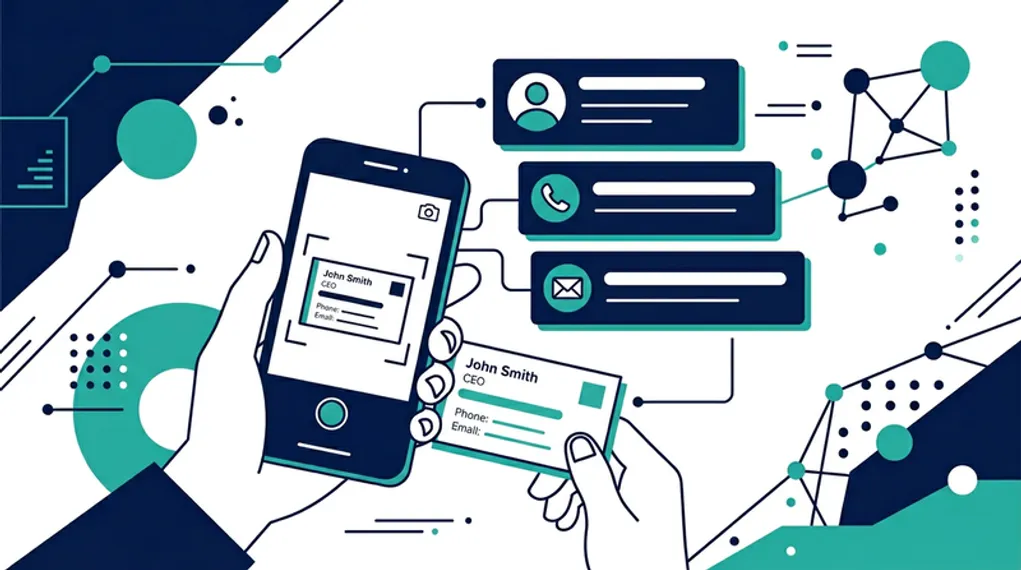
Point your phone at the card. AI-powered OCR extracts all fields — name, company, title, phone, email — in seconds. Modern AI scanning cuts capture time from 112 seconds to under 20 and eliminates transcription errors in 91% of cases.
2. Context → Voice Memo
Right after scanning, record a 30-second voice note about the conversation. Voice is 3× faster than typing and captures details that scribbled notes miss. This is the step that separates efficient scanning from just digitizing — without context, a scanned card is just a name.
3. Enrichment → Verified Work Email
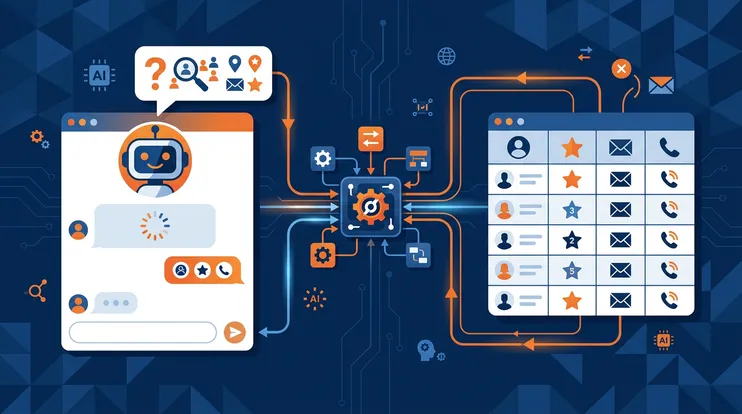
The email on a business card is often a generic address (info@, contact@) or outdated. Automatic email enrichment cross-references name and company against multiple data sources to find a verified professional email. Multi-source enrichment reaches 92% accuracy — your follow-up lands in the right inbox, not a shared mailbox.
4. Follow-Up → AI-Drafted Email
The scanned data plus your voice context feed into an AI email draft that references your actual conversation. Not a generic template — a message that proves you were paying attention. Personalized emails achieve 46% open rates, compared to 15–20% for mass blasts.
46%
open rate for personalized follow-up emails, vs 15–20% for generic blasts
Prospeo, Follow-Up Email Study
5. Organize → Event-Based Grouping
Every scan is tagged to the event. Your team shares a single workspace — no duplication, no lost contacts. When you’re ready, push enriched contacts to your CRM in bulk, with all the context attached.
The Volume Challenge: 200+ Cards in 2 Days
For high-traffic booths, the real challenge isn’t speed per card — it’s maintaining quality at scale.
| Method | Time for 200 cards | Errors | Context captured |
|---|---|---|---|
| Manual entry | 6+ hours | ~10% fields | None |
| Basic scanner app | 3–4 hours (with cleanup) | ~10% fields | None |
| AI scan + voice + enrichment | ~1.5 hours total | Under 5% fields | Full voice context |
The real difference isn’t just speed. With the AI workflow, each card gets processed at the booth — scanned, contextualized, and enriched — instead of piling up for a painful data-entry marathon on the plane home. Some teams scan 247 cards over a 3-day show and process them all before leaving the venue.
What About Badge Scanners?
Many trade shows offer rental badge scanners. They’re fast — tap and go — but they only capture basic registration data: name, email, company, and title.
No conversation context. No enrichment. No follow-up integration. And the data often arrives as a CSV file days after the event, long past the critical 24–48 hour follow-up window.
Badge scanners work for traffic counting. For actual lead management, they’re a starting point at best.
Scanning Is the First Step — Not the Last
How you handle business cards determines the speed and quality of everything that follows: follow-up timing, email personalization, CRM data quality, and ultimately, deal conversion.
NeverDrop combines all five steps into a single flow — AI card scanning, voice context, email enrichment, AI follow-up drafting, and event-based organization — all from your phone, all at the booth.
Because the business card isn’t the asset. The conversation is. And if you can’t capture both in the moment, you’ve already started losing the lead.
Turn every business card into a qualified lead — scan, enrich, and follow up in under 2 minutes.
Try NeverDrop Free