Trade Show Follow-Up Email Templates That Actually Get Replies
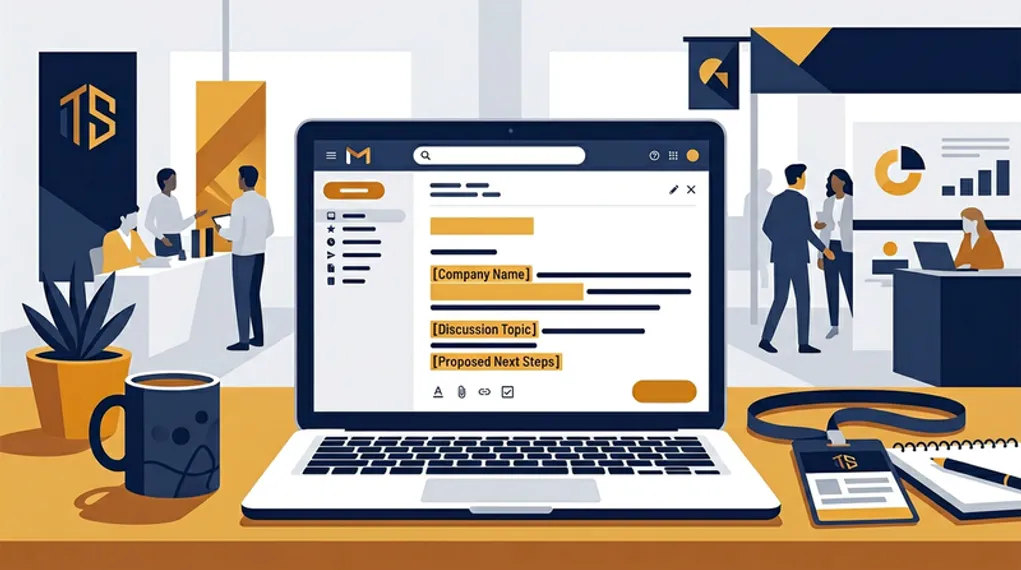
You met someone great at a trade show. You had a real conversation — they told you about their problem, you explained how you could help, you shook hands.
Then you send them this:
“Hi [Name], it was great meeting you at [Event]. I’d love to continue our conversation. Let me know if you’d like to schedule a call!”
Delete. Forgotten. Gone.
This email could have been sent by anyone who glanced at a badge. It proves nothing about the conversation. It adds no value. And it sounds exactly like the 15 other follow-ups already in their inbox.
Here’s how to write follow-up emails that actually get responses.
Why Most Follow-Up Emails Fail
Here’s the uncomfortable reality: 80% of trade show leads never receive any follow-up. So if you send anything, you’re already ahead of most exhibitors.
But timing matters almost as much as sending. The average B2B response time is 42 hours, and 23% of companies never respond at all. Meanwhile, 78% of deals go to the first company to respond. That’s not a rounding error — it’s the game.
And one email usually isn’t enough. 80% of sales require 5 or more follow-ups, yet 44% of reps give up after one attempt.
The problem isn’t laziness. Writing a personalized email for every contact you met at a 3-day event is genuinely hard — especially when you can’t remember half the conversations.
The Anatomy of a Follow-Up That Works
Before we get to templates, here’s what separates emails that get replies from ones that get archived:
Subject line: short, specific, personal. Personalized subject lines get 46% open rates — 31% higher than generic ones. Keep them to 2–4 words, front-loaded for mobile (first 33 characters are all most people see).
| Format | Example |
|---|---|
| Name + Event | ”Sarah — from Web Summit” |
| Conversation reference | ”The HubSpot migration we discussed” |
| Value-first | ”The case study you asked about” |
| Question | ”Still exploring CRM options?” |
What doesn’t work: “Following up” (no context), “Great meeting you!” (generic), “Quick question” (overused).
Opening: prove you were there. The first sentence should reference something only someone who was in the conversation would know. This triggers recognition and separates you from every generic follow-up in their inbox. Reference a specific pain point, a personal detail, something you promised to send, or a question they asked at the booth.
Body: lead with value, not a pitch. Don’t ask for a meeting in your first email. Give them something first — a relevant case study, an answer to their question, or a resource they mentioned needing. Emails that lead with value see significantly higher reply rates. The psychology is simple: reciprocity.
CTA: one ask, low friction. Not “Let’s schedule a 30-minute demo” — that’s too heavy for a first touch. Try “Would a 10-minute call next week make sense?” or simply “Worth exploring?“
4 Templates You Can Actually Use

These templates are starting points — the key is replacing the brackets with real details from your conversation. That’s why capturing voice context at the booth matters so much.
Template 1: The Conversation Continuer
Best for: Prospects who described a specific problem
Subject: [Their pain point] — a thought from [Event]
Hi [First Name],
It was great talking at [Event] — especially about [specific challenge they mentioned]. It sounds like [brief restatement of their situation].
I wanted to share [relevant resource: case study, article, or feature overview] that addresses exactly that. [One sentence about why it’s relevant to them specifically.]
Would it make sense to pick this up in a quick call next [day]?
[Your name]
Why it works: Opens with their problem, not your product. Delivers value first. The CTA is specific but low-pressure.
Template 2: The Promise Keeper
Best for: When you said “I’ll send you something” at the booth
Subject: [Resource] you asked about at [Event]
Hi [First Name],
As promised at [Event] — here’s [the thing you said you’d send: pricing info, case study, product link, article].
[One sentence of context about why this is relevant to their situation.]
I’d love to hear your thoughts. Happy to jump on a call if you want to dig deeper.
[Your name]
Why it works: You’re delivering on a commitment, which builds immediate trust. The prospect expects this email, so it gets opened.
Template 3: The Warm Reconnect
Best for: Great conversation but no specific next step was discussed
Subject: [First Name] — from [Event]
Hi [First Name],
Enjoyed our conversation at [Event] about [topic]. [One sentence referencing a specific detail — something personal they mentioned, a challenge, or an insight they shared.]
I’ve been thinking about what you said regarding [specific point]. [Connect it to something valuable: a resource, a similar client story, or an idea.]
Would you be open to continuing the conversation over a quick call?
[Your name]
Why it works: Shows you were genuinely listening, not just collecting cards. The personal reference is the hook.
Template 4: The Team Handoff
Best for: When your colleague met the prospect and you’re following up
Subject: [Colleague’s name] mentioned we should connect
Hi [First Name],
My colleague [colleague name] mentioned your conversation at [Event] about [topic]. They thought we should connect because [reason tied to prospect’s situation].
[One sentence about what you can help with, tied to their specific challenge.]
Would [specific day] work for a 15-minute call?
[Your name]
Why it works: Leverages social proof from the original interaction. The internal referral feels more personal than a cold outreach.
The Follow-Up Cadence: How Many Emails?
One email is rarely enough. Only 2% of sales close on first contact. A single follow-up increases reply rates by 49%. And 60% of customers say no four times before saying yes.
Here’s a cadence that works:
| Touchpoint | Timing | Content |
|---|---|---|
| Email 1 | Same day or next morning | Conversation reference + value |
| Email 2 | Day 3 | New angle or resource |
| Email 3 | Day 7 | Case study or social proof |
| Email 4 | Day 14 | Direct question about their timeline |
| Email 5 | Day 21 | Breakup email (“Should I close the loop?”) |
The key: each email should bring a new reason to respond — not just “checking in” or “bumping this up.” New value, new angle, new insight every time.
The Personalization Problem (And How to Solve It)
The templates above work great — if you can fill in the brackets with real details. That’s the hard part.
After a 3-day event with 100+ conversations, most reps can recall maybe 10–15 clearly. The rest blur together. Written notes capture 40–60% of key points at best, and they’re often illegible.
This is where your capture method determines your follow-up quality:
- No context → generic template → deleted
- Brief written notes → partially personalized → mediocre response
- Voice context + AI drafting → fully personalized → stands out
With NeverDrop, the workflow is: scan the card, dictate a voice note, and let AI draft a follow-up that references what you actually discussed. Review it, tweak if needed, send — all in under 2 minutes.
Every prospect gets a personalized email. Not because you spent hours writing them, but because you spent 30 seconds talking about each conversation while it was still fresh.
No lead gets the generic treatment. No conversation is wasted. And you’re not spending your flight home manually typing cards into a spreadsheet.